Version 4.10.1 - CSP 6.42.0 - UE 5.7
This guide will cover how avatar visibility works in OKO spaces.
Instructions
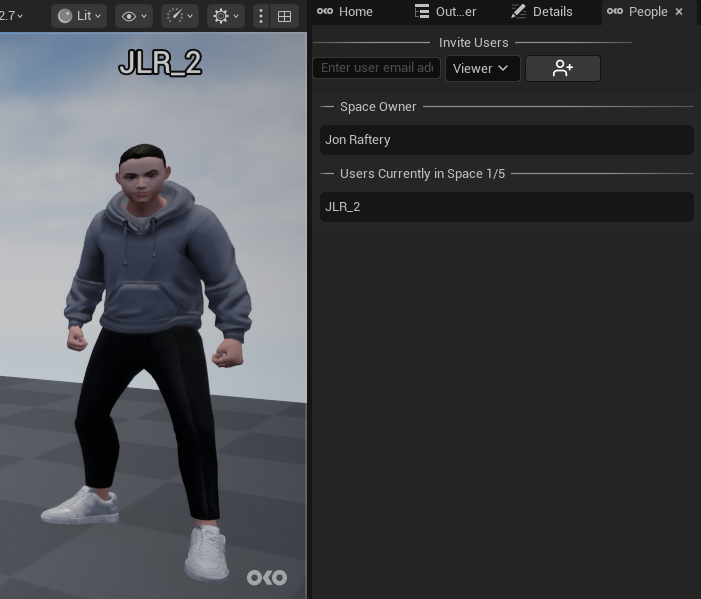
Normally, when you enter a space, you’ll be able to see remote users in Viewer Mode, represented by their avatars.
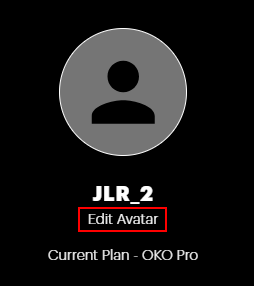
The avatar selection screen now includes an “Invisible” option. To select this you should first go to your account settings and edit your avatar.
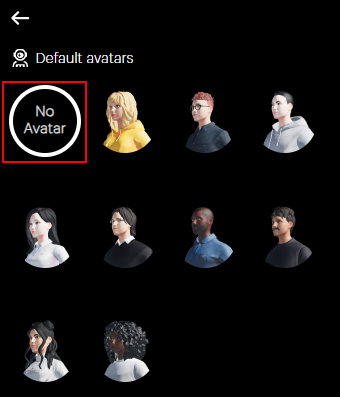
Now select “No Avatar” for your avatar.
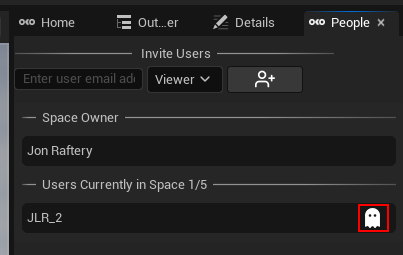
Users without an avatar won’t appear visually in the space, but their presence will still be shown in the People tab with a ghost icon next to their name.