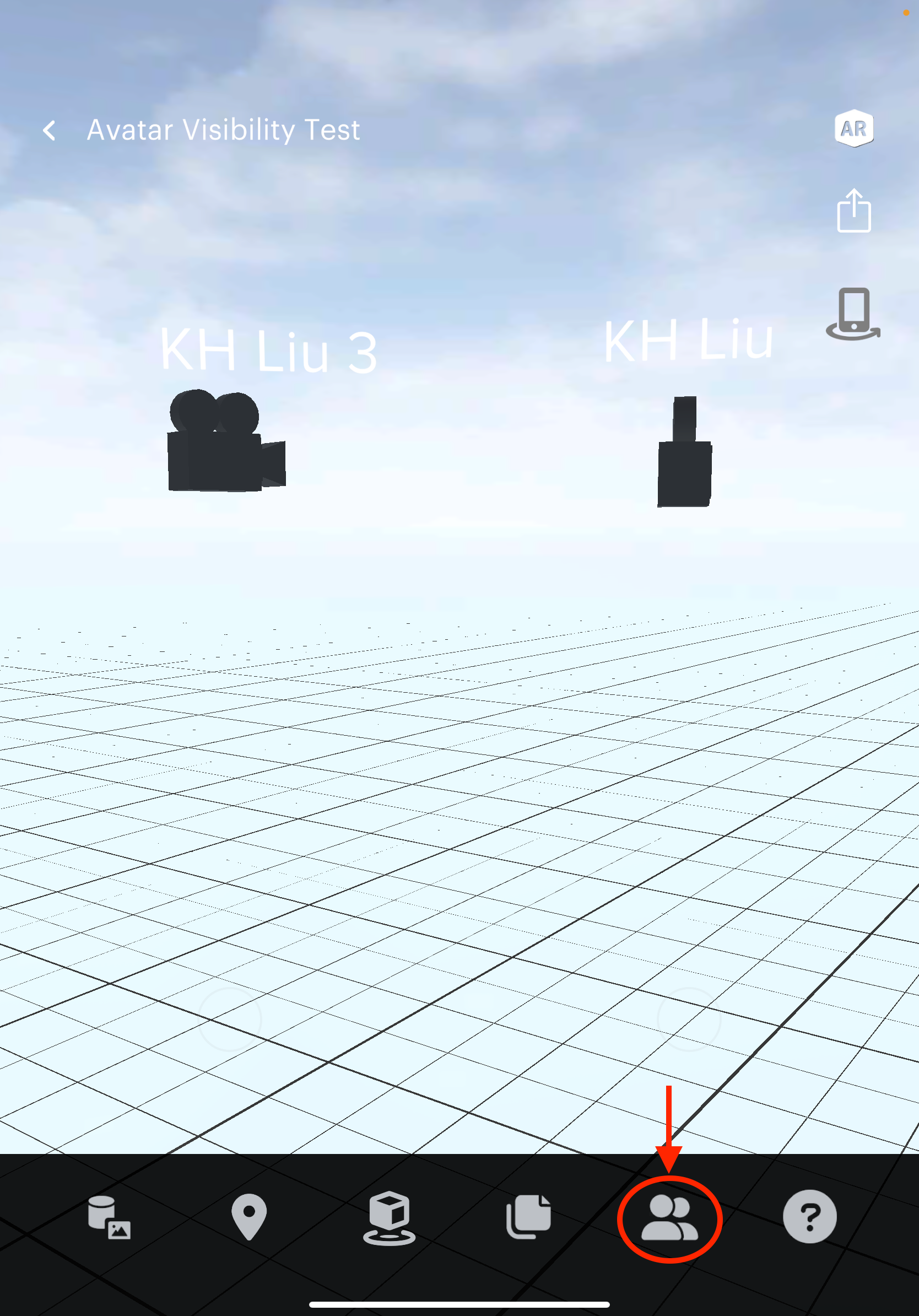
This article will guide you through how an “invisible avatar” is represented on the iOS app.
Instructions
Enter a space with “invisible avatar” selected
When you enter a space with invisible avatar selected, your avatar’s visibility will depend on which mode you are in.
In creator mode
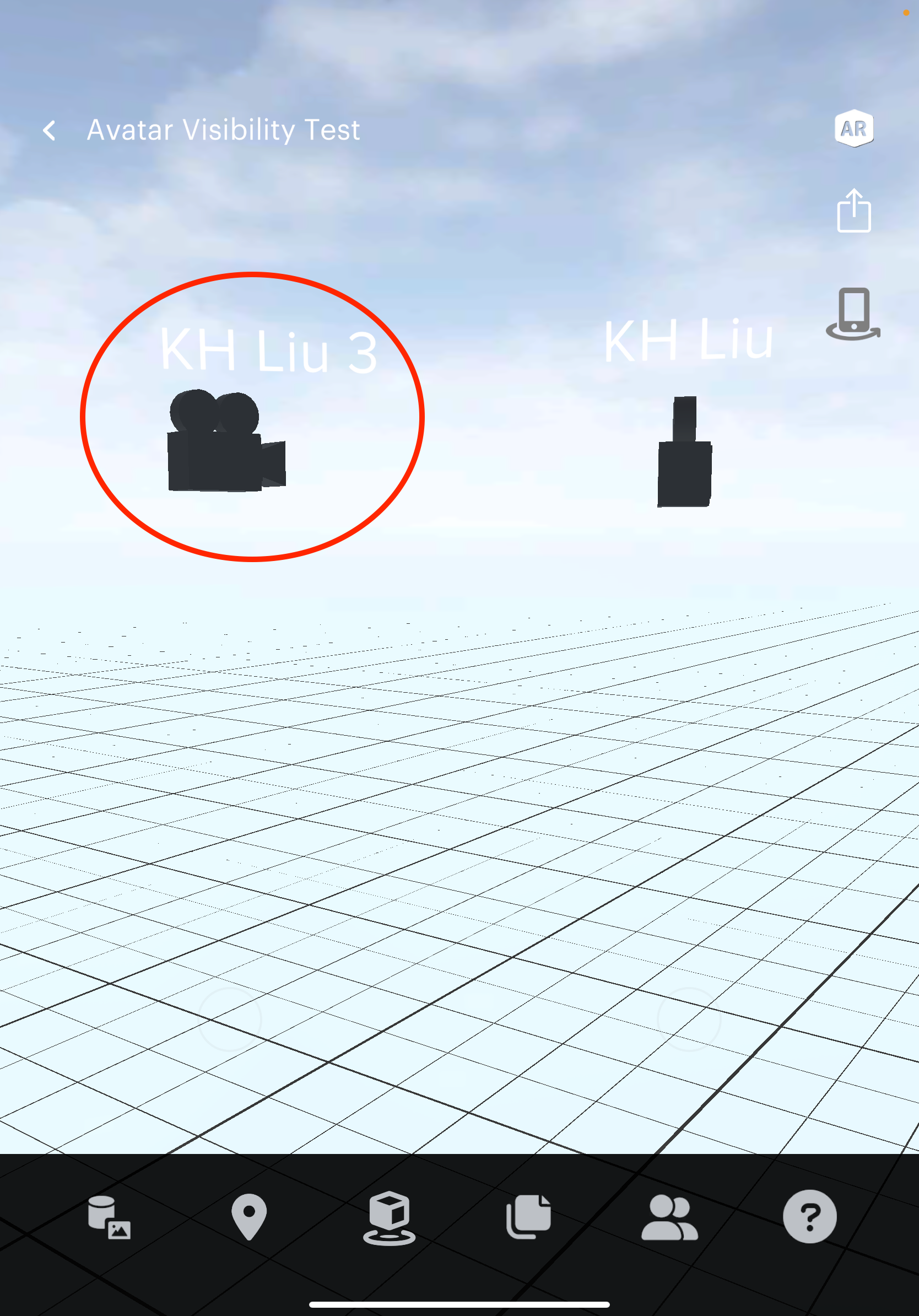
If you’re in creator mode, you’ll be represented as a camera model to the other users.
In viewer/play mode
On the other hand, if you only have viewer permission or you enter play mode, you’ll be invisible to the other users unless you turn on the AR mode.
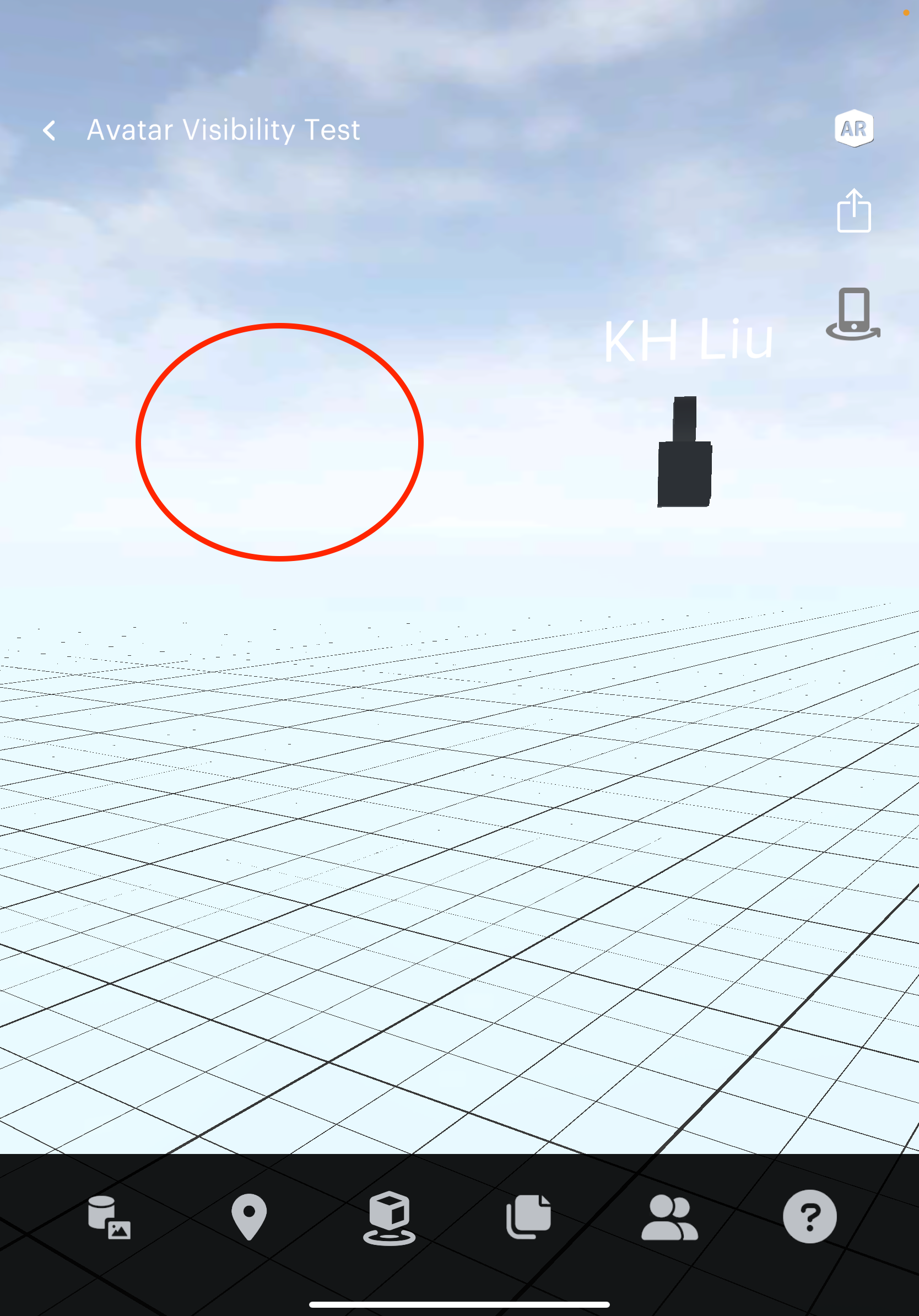
If you enter the AR mode, you’ll be represented as a phone to other users.
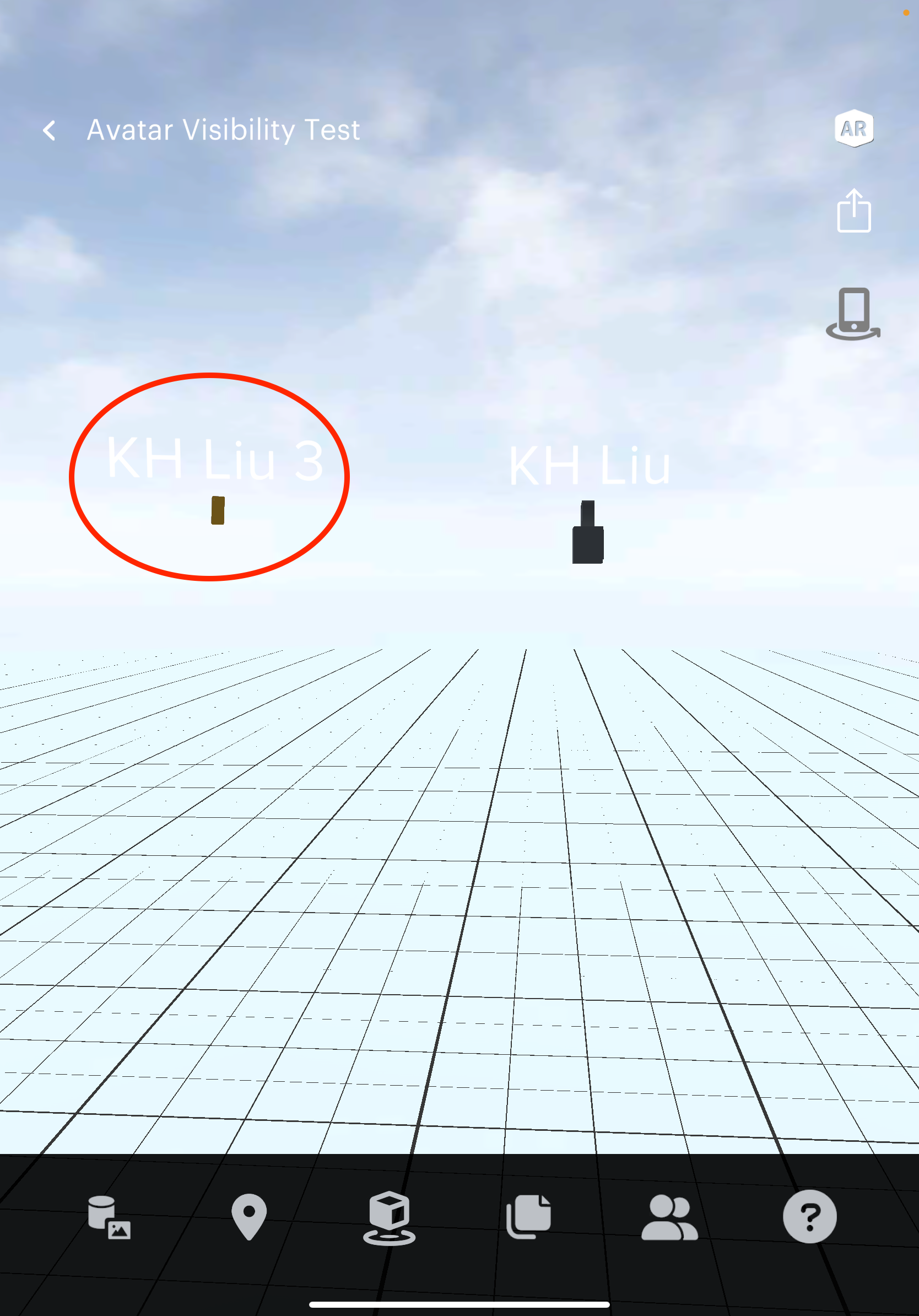
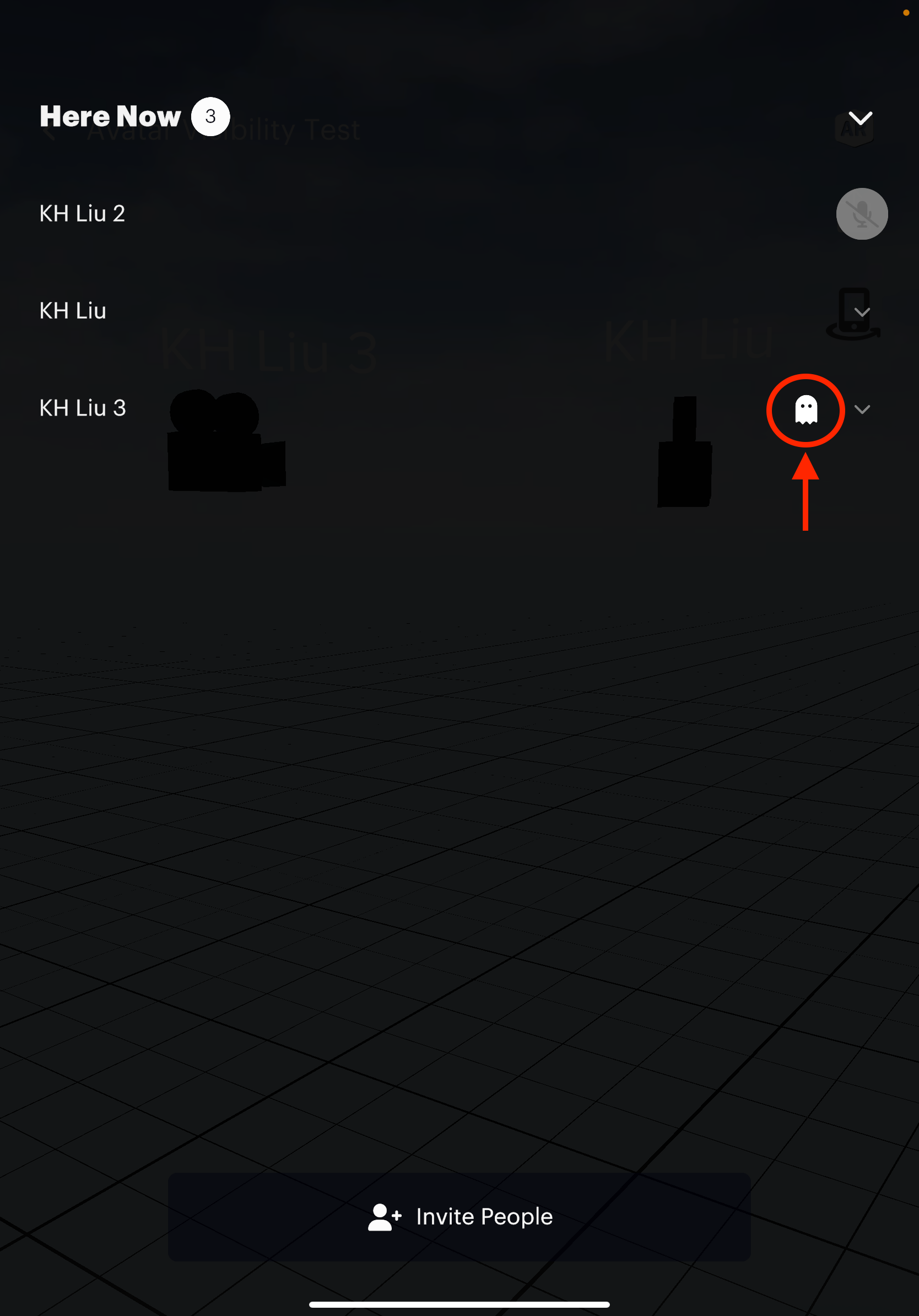
Indicate who’s using invisible avatar in the space
To see if there are any invisible users in the space, simply open the People’s List. A special icon will be attached to users with the feature turned on.