
OKO Web Client 4.7.1 - CSP 6.36.0
Sign up

To sign up for an OKO user account, go to app.oko.live on your web browser and hit Sign Up.
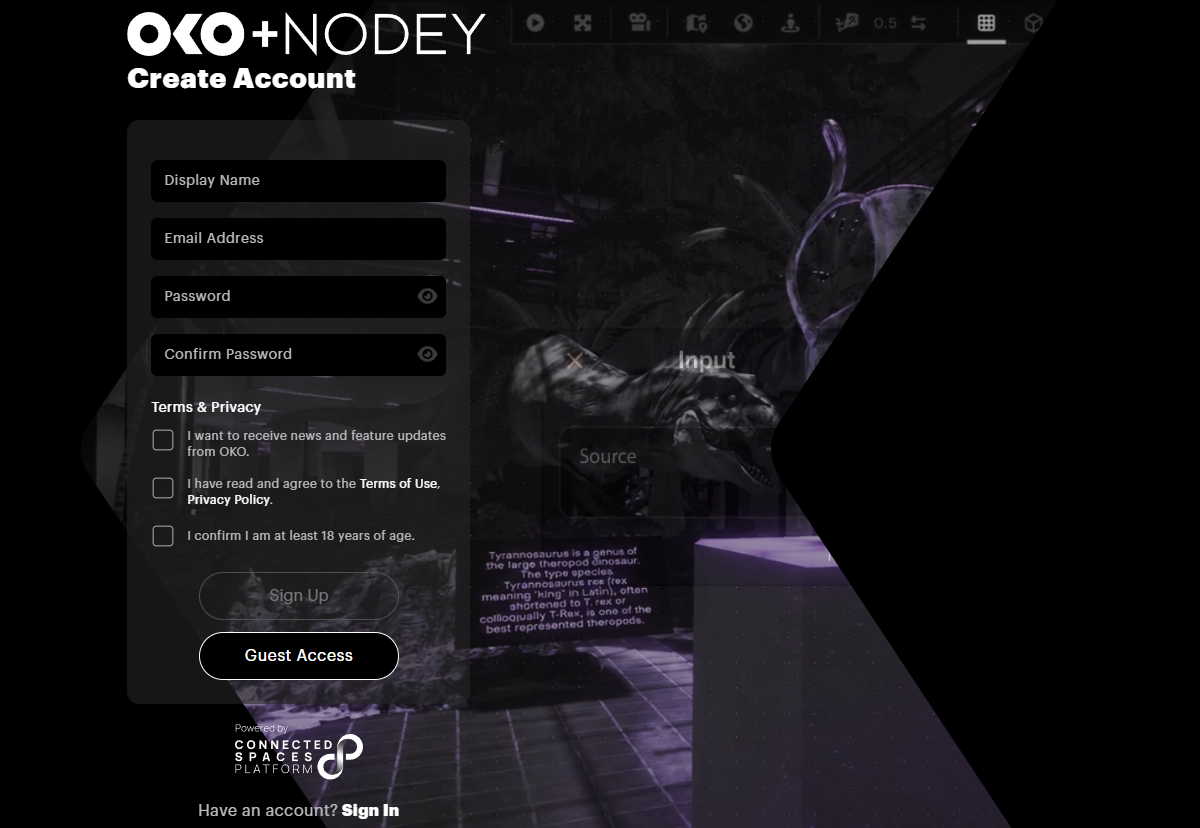
On the Sign Up page, fill in the following information:
|
Display Name |
Your public-facing name within OKO. Visible to others. |
|
Email Address |
Used to log in. Not visible to others. |
|
Password |
Must be at least 8 characters long. |
|
Terms of Use / Privacy Policy |
Please read and check the box to agree. This is required. |
|
Age Confirmation |
Please confirm you are 18 or older and check the box. This is required. |
|
News and Feature Updates |
Optional, but allows us to update you on all the exciting new features coming to OKO! |
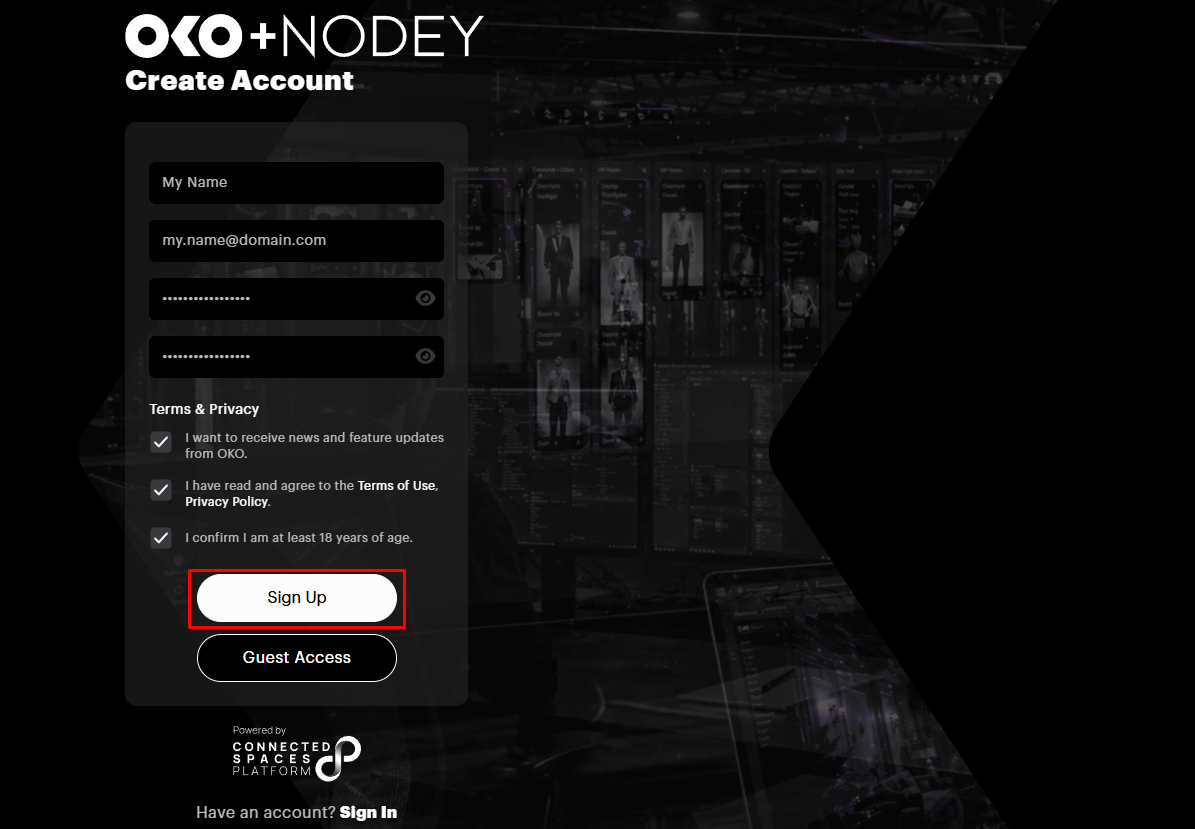
Once you’ve completed all the above, click the Sign Up button.
When prompted by your browser, it's advisable to save your credentials for a seamless OKO experience.

Next, you’ll be prompted to verify your email address.
Head back to your inbox and locate the Welcome to OKO! email. If you don't see it, remember to check your spam or junk folders. Once found, simply click the Verify Email Now button.

Now, you’ll be directed to the Sign In page. If you allow the browser to save your credentials, they should be pre-populated. If not, enter your Login (email address) and password, and hit the Sign In button.
You can also sign in using either your Google or Apple accounts. You can even sign in as a Guest!
Note however that entering as a guest restricts you to a viewer-only access to spaces within OKO. To create spaces, you must have fully signed in.
User settings
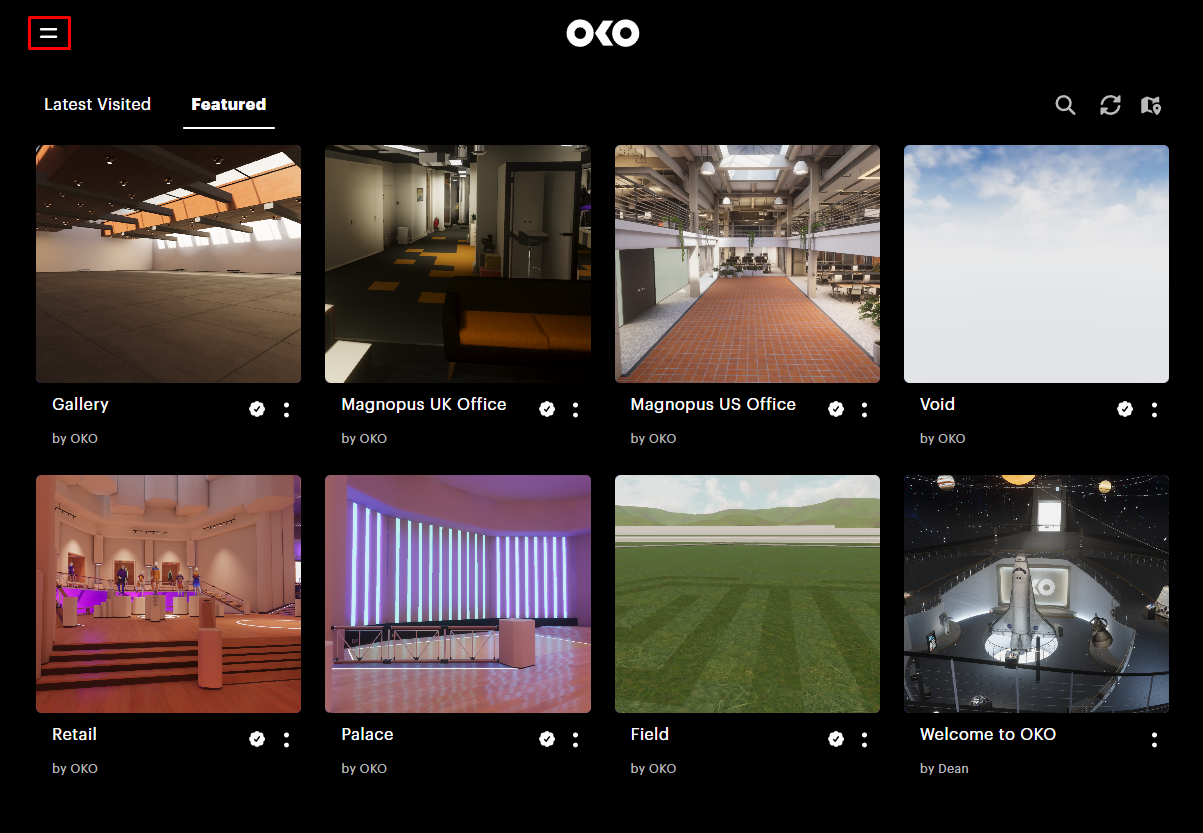
Once you arrive at the Home page, select the menu icon in the upper left corner to access the user panel.
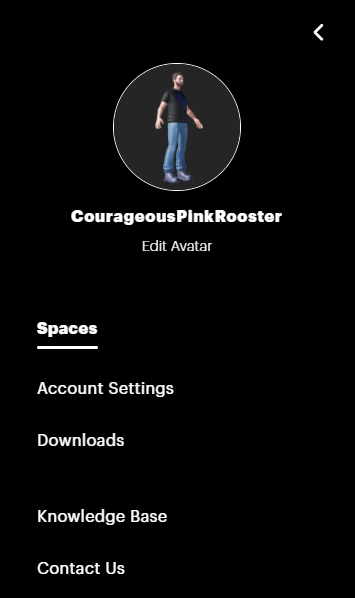
From here you can:
-
Edit your avatar preferences.
-
Access account settings.
-
Download other OKO client applications.
-
Access documentation via the Knowledge Base (that’s this!).
-
Get in touch with us via Contact Us.
Account Settings
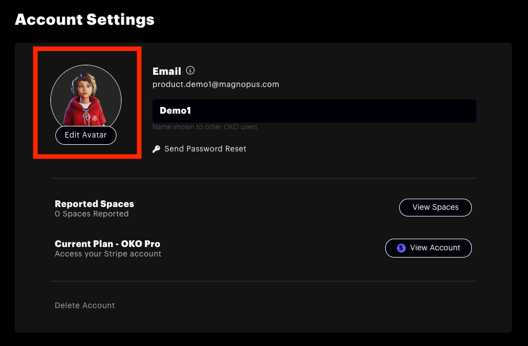
Here you can change your display name, reset your password, and manage your reported spaces.
Downloads
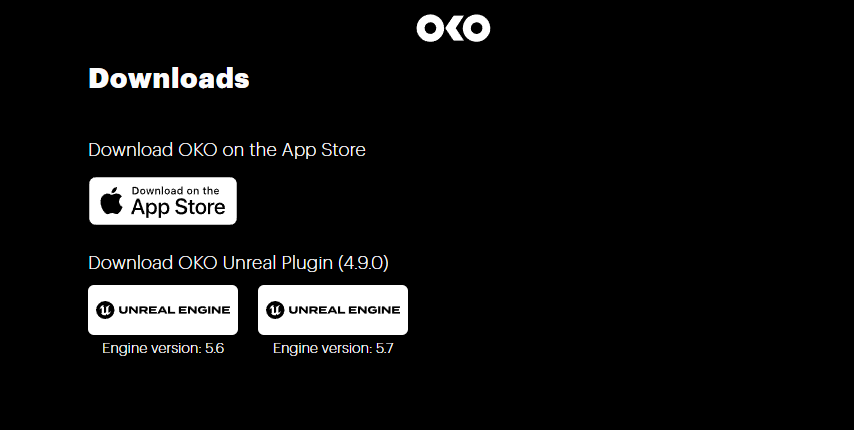
From here, you can download OKO iOS via the App Store, or download the OKO Unreal Plugin for various Unreal Engine versions.