
OKO Web Client 4.6.1 | CSP 6.36.0
In OKO, the 3D representation of a user is handled via avatars. You’re free to use any of the pre-provided default avatars, or you can provide your own if you prefer.
User’s avatar preferences will be saved and used by any OKO application to represent them within the space.
To change your avatar preferences, head over to OKO Web.
Changing your avatar
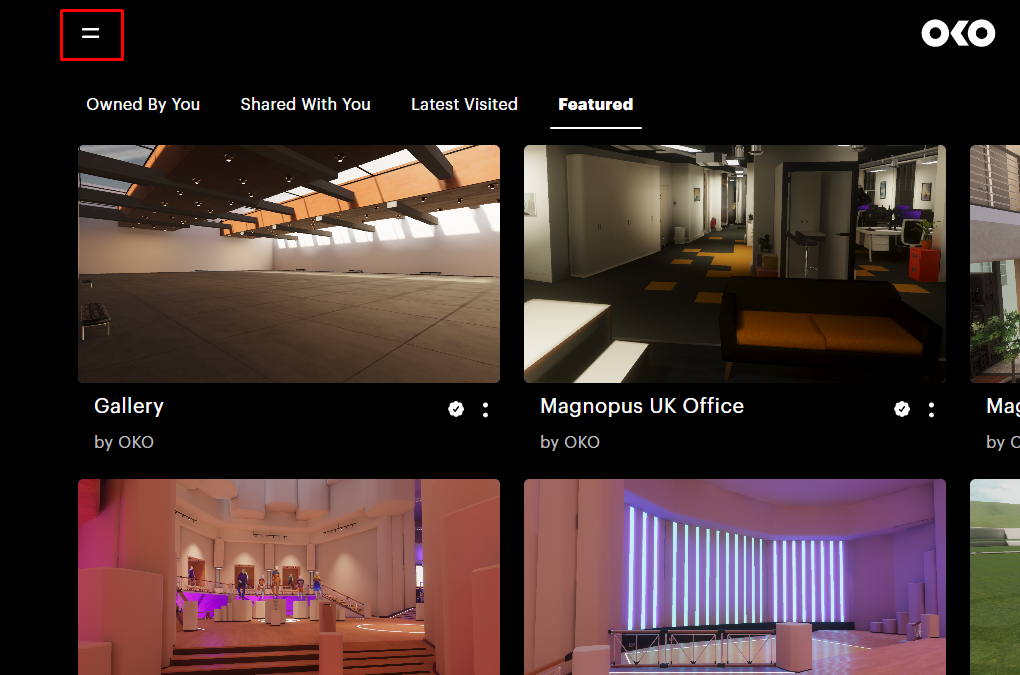
First. from the spaces page on OKO Web, open the sidebar.
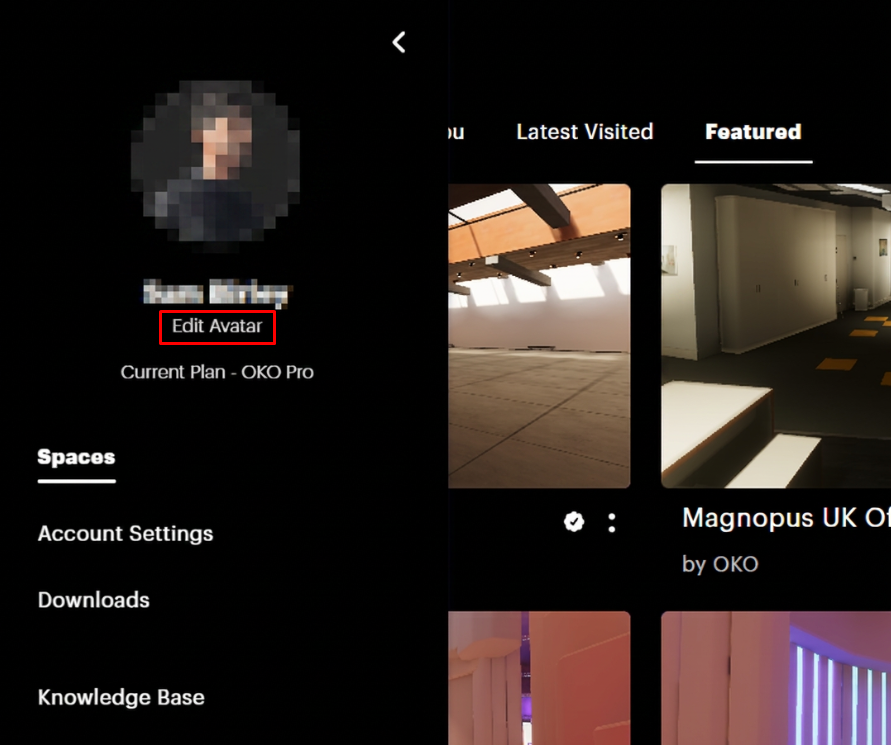
On the side bar, select “Edit Avatar” to create your custom avatar or to select a default avatar.
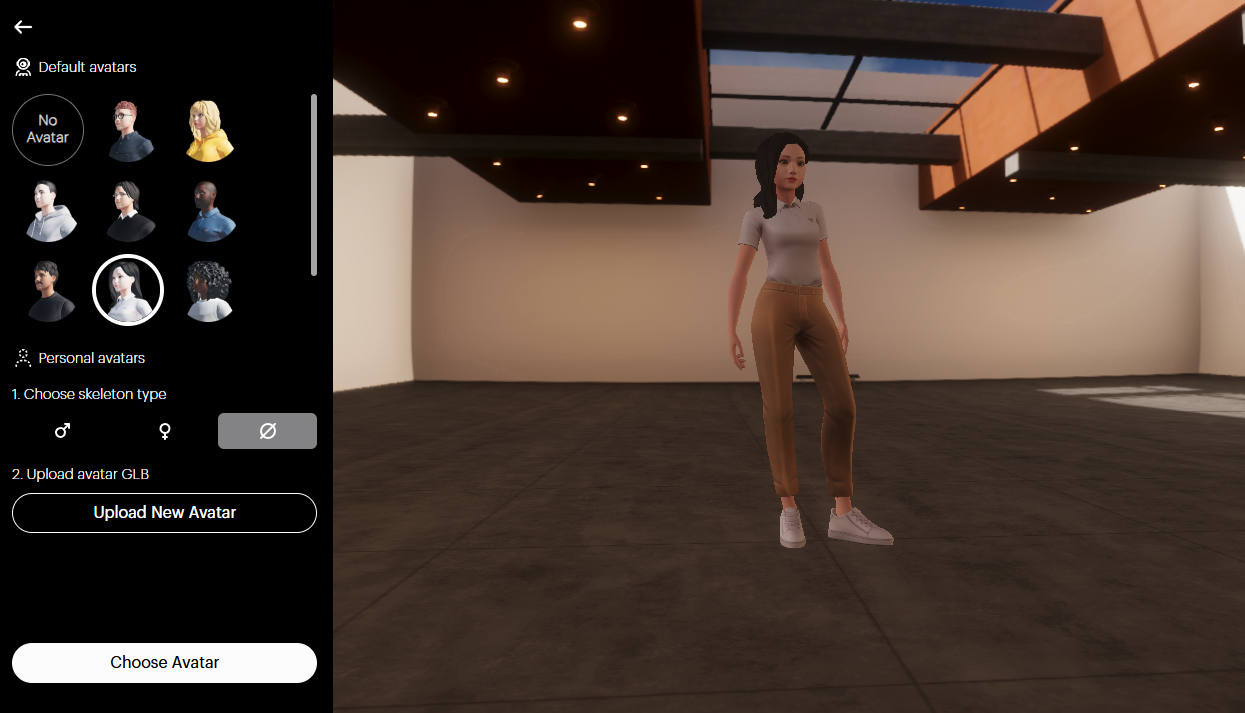
From here, you can select any of the default avatars, or upload a custom avatar.
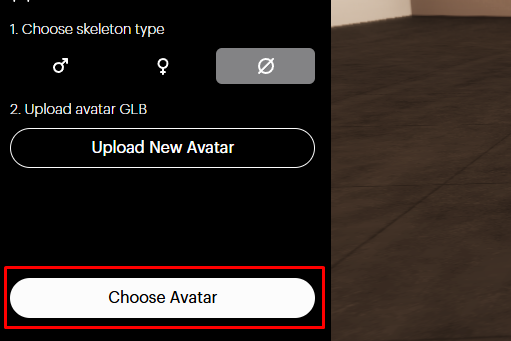
When you are happy with your avatar, press Choose Avatar to save your selection.
OKO custom avatars must be uploaded in the .glb format, and should have a skeleton which conforms to the standard Mixamo rig.