OKO Web Client 4.7.1 - CSP 6.36.0
Managing user-generated content in apps poses unique challenges, from IP infringement to anonymous abuse. This article will help you report a space in the OKO Web.
When should a space be reported?
-
If it infringes, misappropriates, or violates a third party’s patent, copyright, trademark, trade secret, moral rights, or other intellectual property rights, or rights of publicity or privacy.
-
If it contains discriminatory comments, or users within the space are making discriminatory comments of any form or manner, including without limitation based on race, gender, religion, sex, gender identity, age, disability, ethnic origin, or sexual orientation.
-
If users in the space are engaging in any form of intimidation against other users, swearing or use of any other inappropriate or offensive language, or making offensive or insensitive remarks of any kind.
-
If it contains sexually explicit images, or users in the space are engaging in any act of sexual misconduct, including but not limited to sexual innuendo, sharing sexually explicit content, or making offensive or inappropriate advances or comments to other users.
-
If it reveals personally identifying information of other users or infringes on the privacy of other users.
-
If users in the space are harassing, stalking, spamming, or making any other inappropriate comments or actions towards other users.
-
If it violates any applicable law or regulation.
Reporting a space
Once you have logged into OKO, you should be able to see all spaces owned by you, shared with you, recently visited by you, or featured.
In general, you can report any space you have access to, however you cannot report your own spaces.
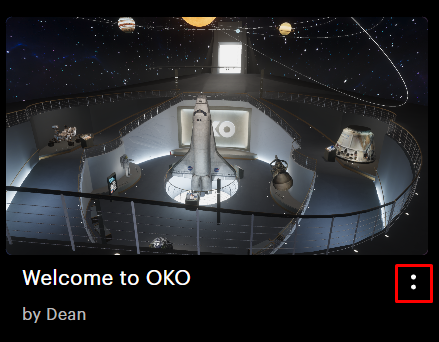
To report a space from the spaces page, first click on the space’s : button.
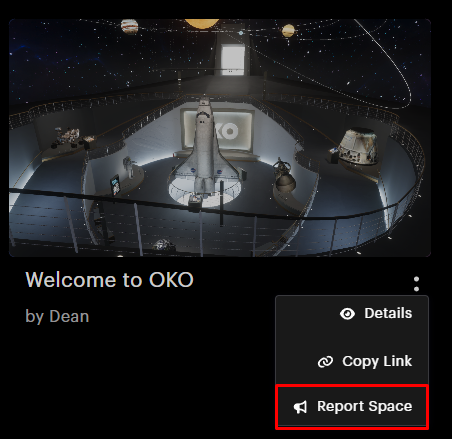
Click on the Report Space option in the context menu.
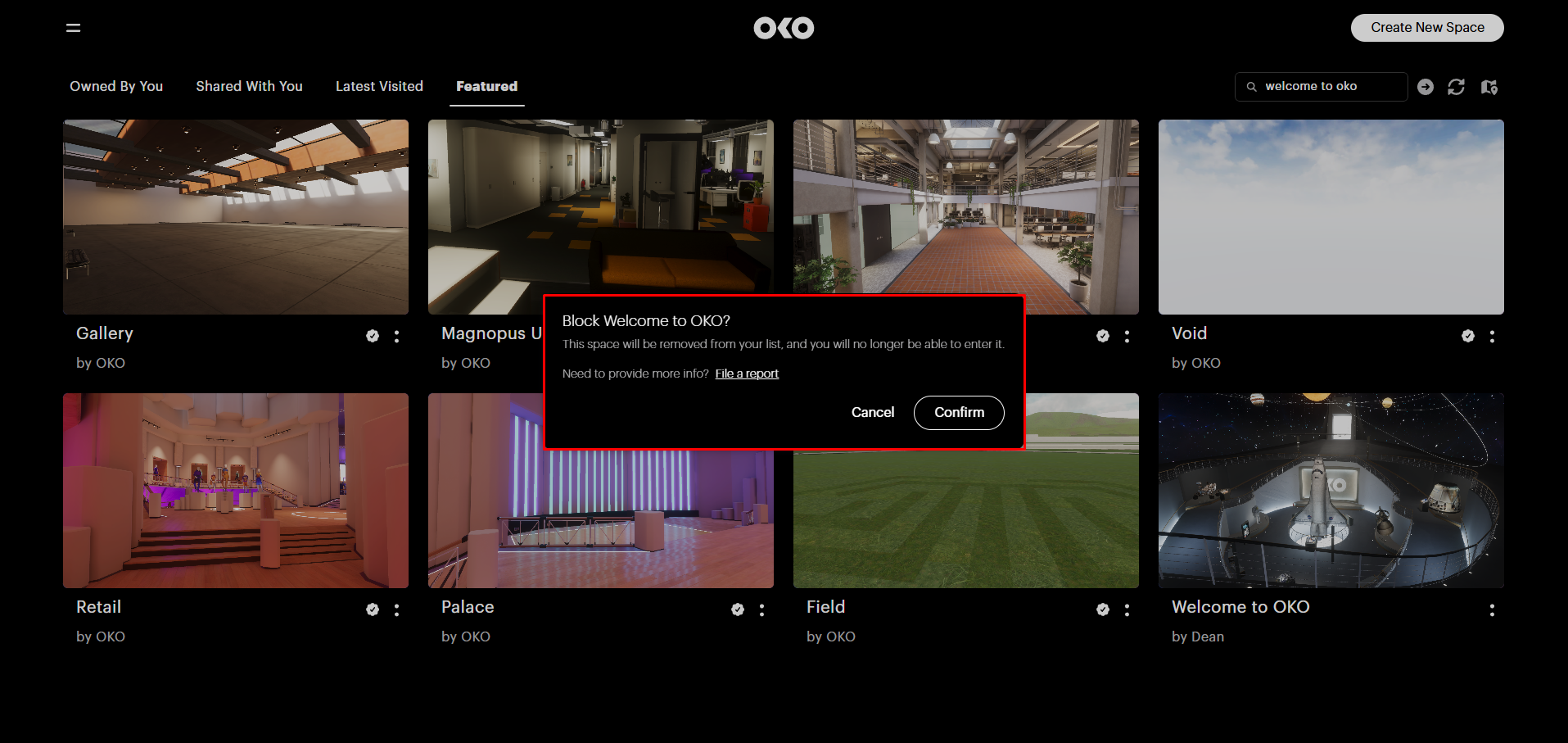
Selecting the option will lead to a confirmation request. Follow the instructions to report the space.
Reporting whilst within a space
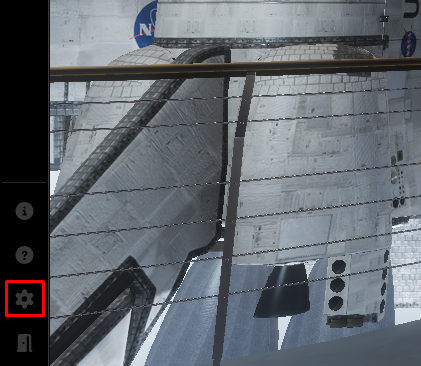
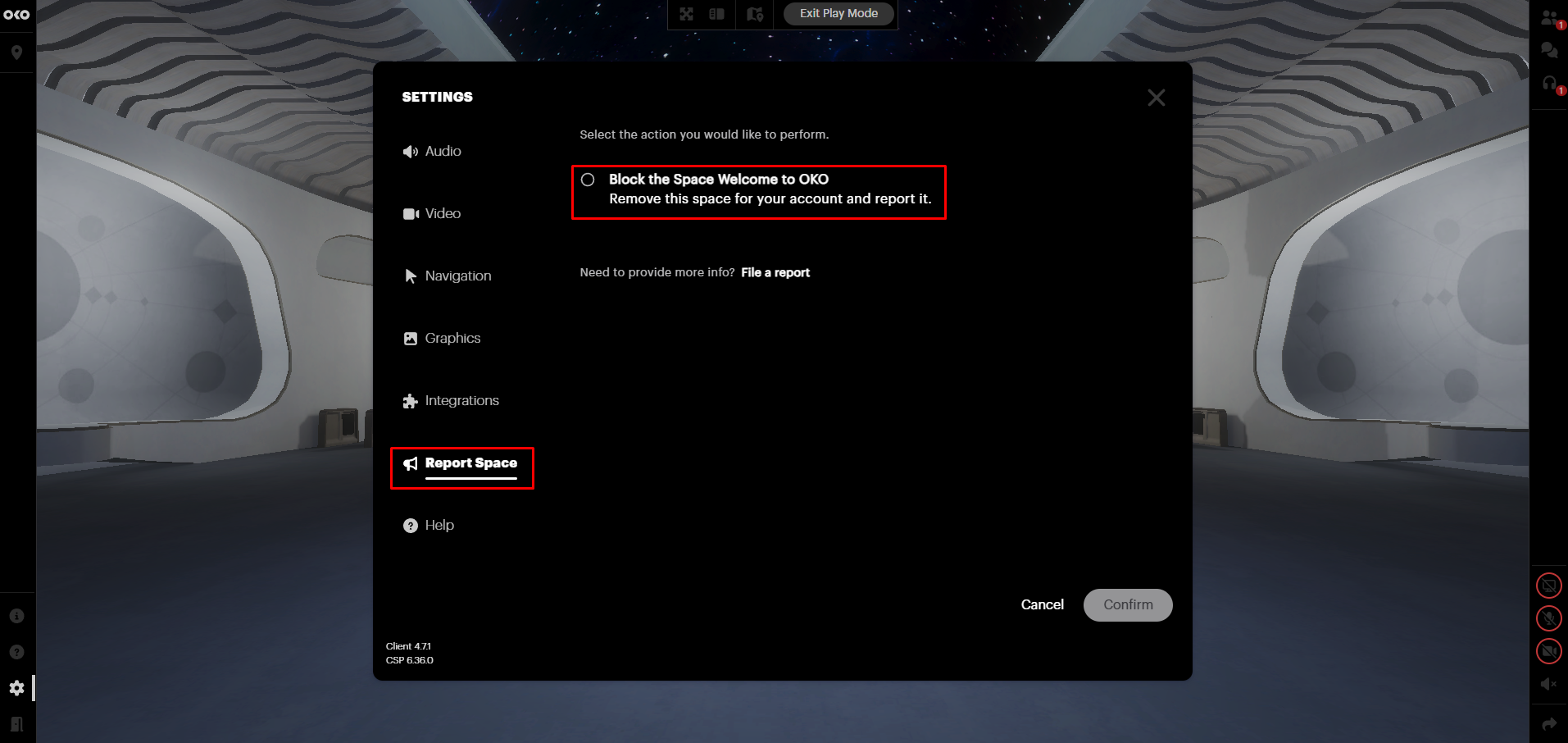
You can report a space whilst within it. First, click on the Settings icon.
This will open the Settings menu, from which you can navigate to the Report Space category. Follow the instructions in order to report the space.