
OKO Web 4.6.1 | OKO Unreal 4.8.2 | CSP 6.36.0
The Light Component represents punctual lights (spot, directional and point) in 3D space and offers the usual controls over the light’s behavior.
This page details properties specific to the component. For general component properties, find more information here.
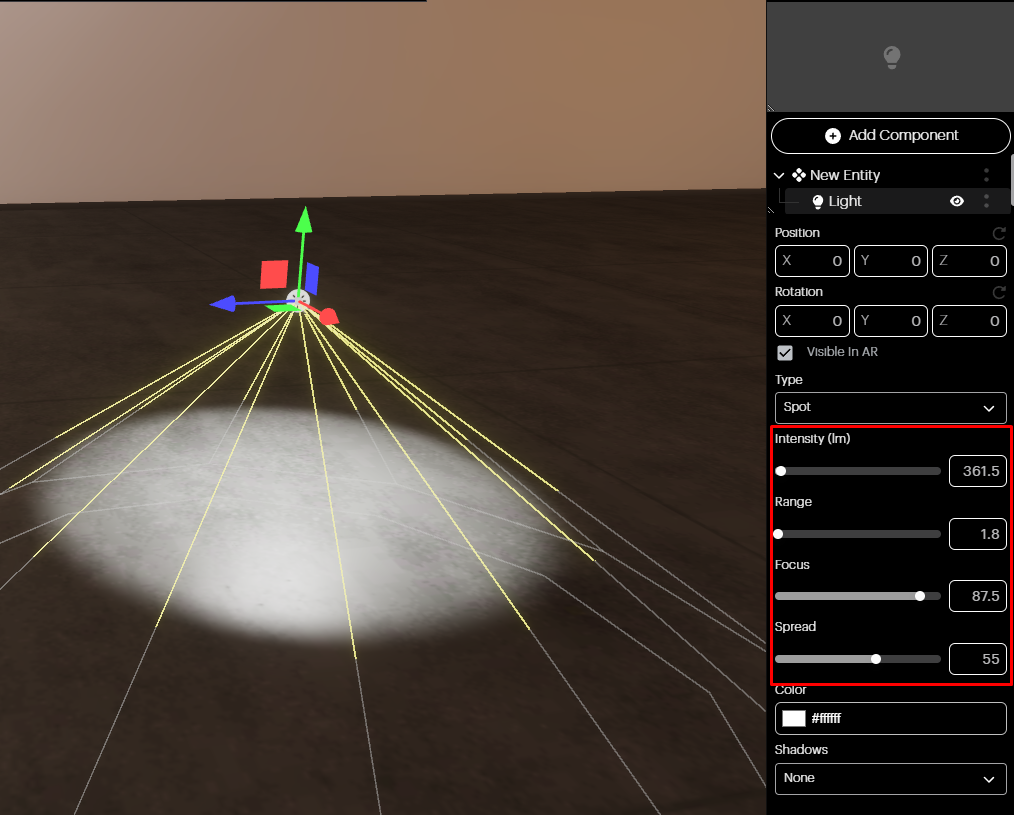
Spotlight: Like a point light, a spotlight has a specified location and range over which the light falls off. However, the spotlight is constrained to an angle, resulting in a cone-shaped illumination region.
Once you’ve picked a spotlight from the dropdown mode, you can adjust its intensity, range, focus, and spread using the sliders in the Properties panel.
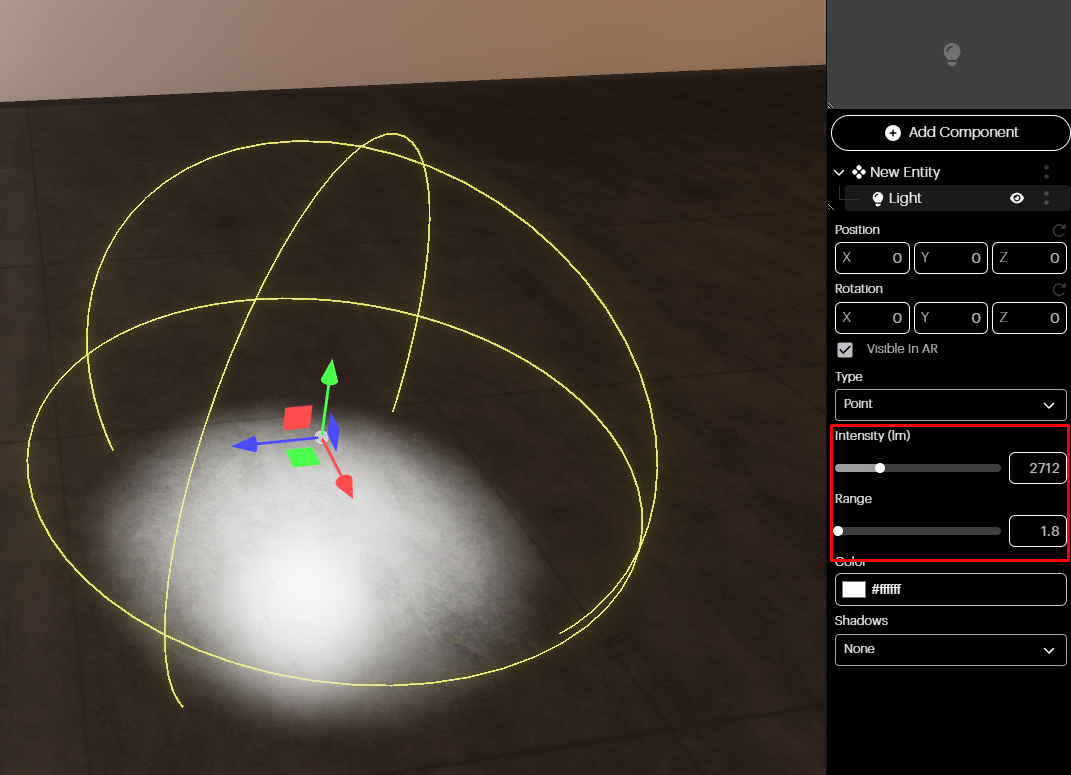
Point light: A point light emits light equally in all directions, similar to a light bulb with all rays originating from a single point.
Once you have picked a point light from the dropdown, you can adjust its intensity and range using the Properties panel sliders.
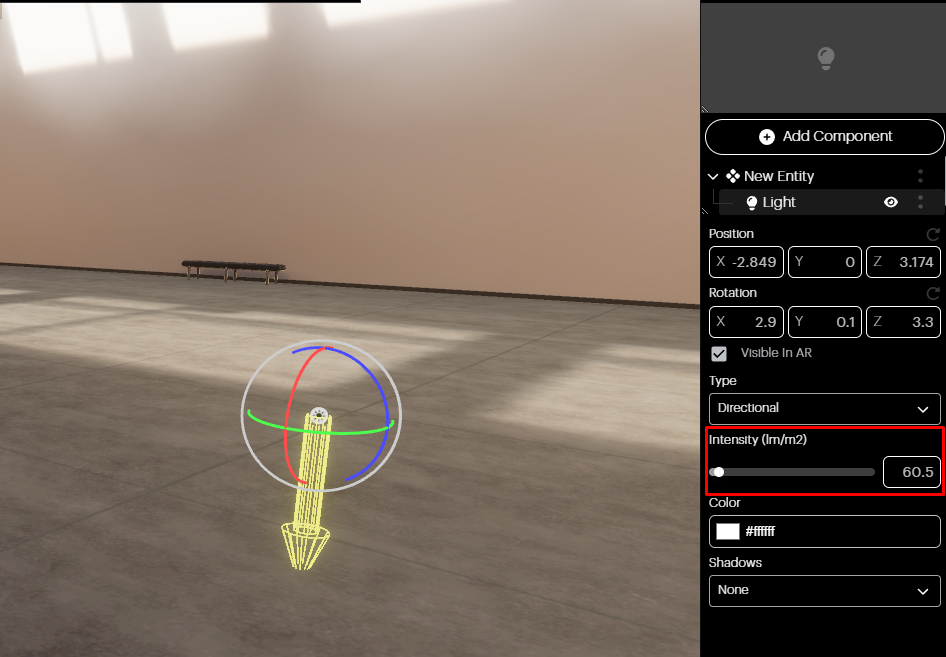
Directional light: In a scene, a directional light mimics sunlight, casting parallel light rays uniformly from a specific direction onto all objects.
Once you have picked a directional light from the dropdown, you can adjust its intensity by using the sliders in the Properties panel.
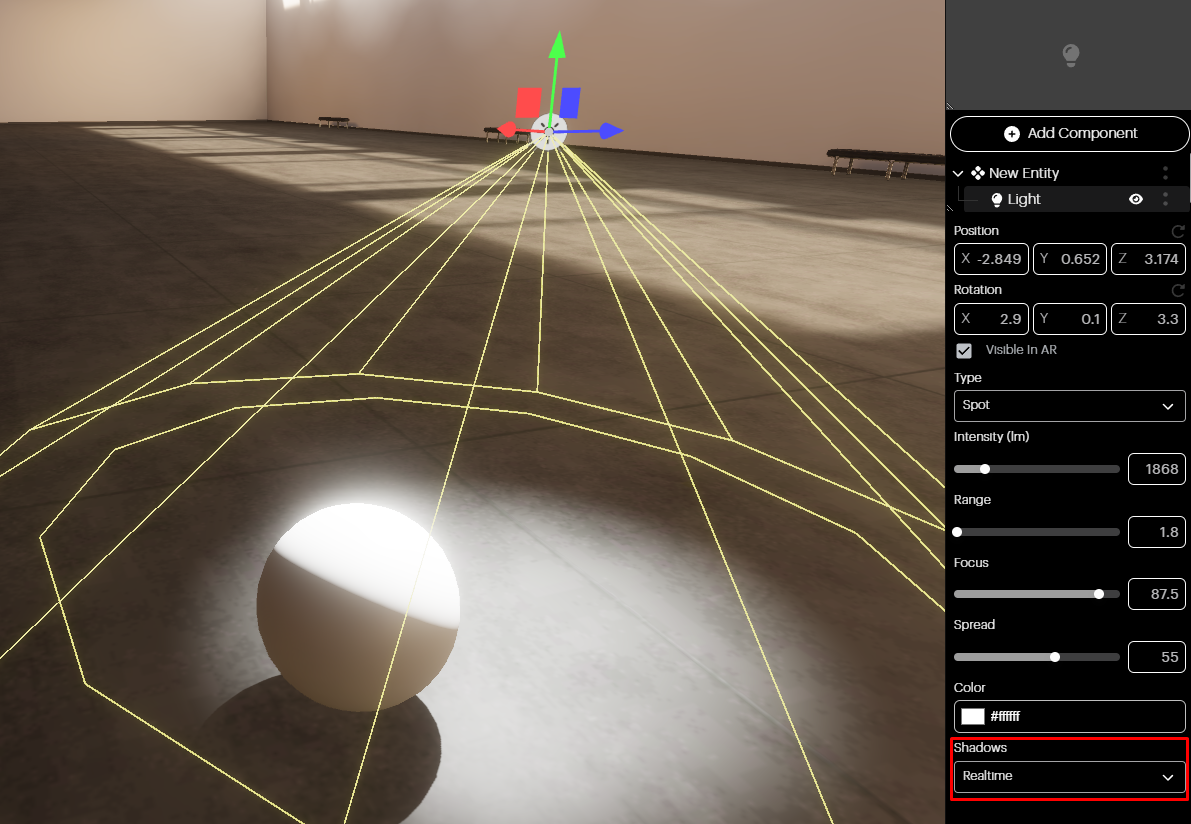
Shadows: Decide what type of shadows you want to add to the Light Component using the dropdown.