
OKO Web 4.6.1 | OKO Unreal 4.8.2 | CSP 6.36.0
The Image Component represents a 2D image in 3D space, referencing an image asset uploaded to the Space Asset Library.
This page details properties specific to the component. For general component properties, find more information here.
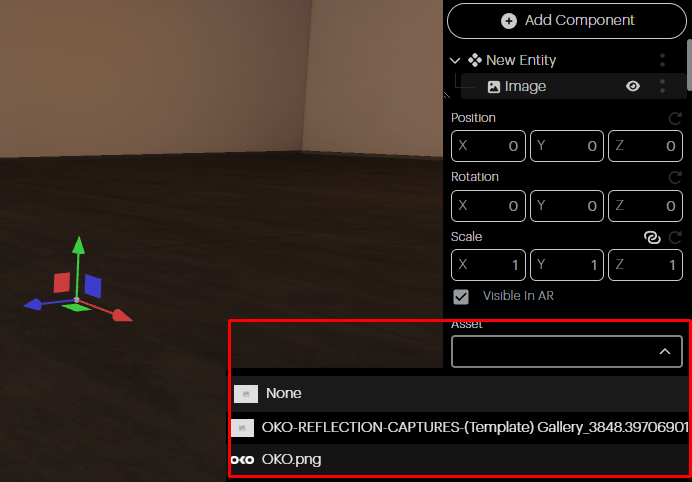
Asset: You can choose any Image Asset from your library using the asset dropdown.
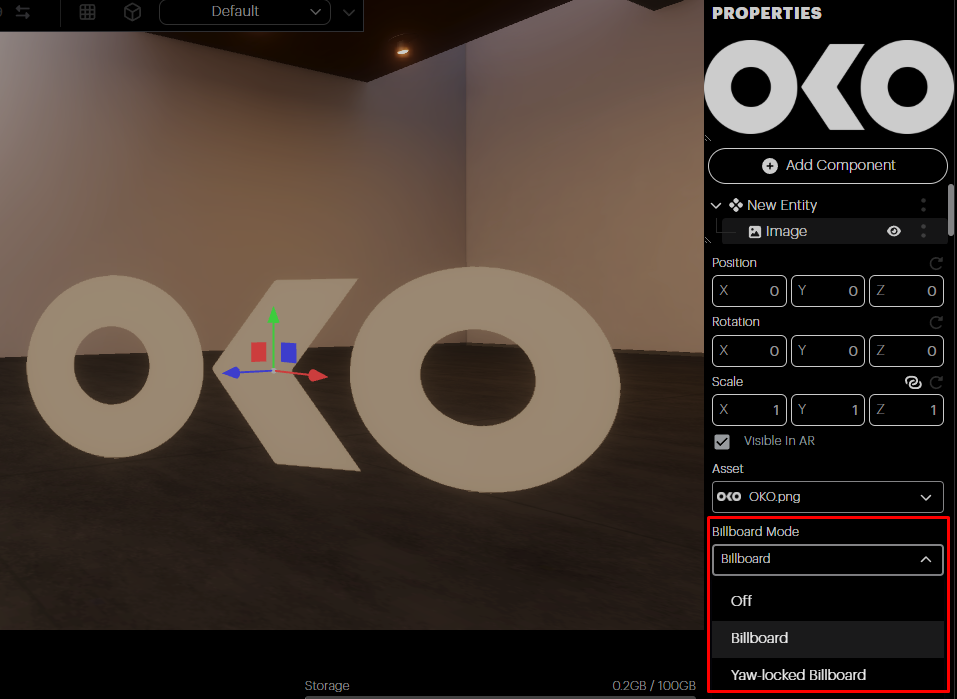
Billboard Mode: here you can choose the Billboard Mode of your image:
-
Off: Billboard Mode is off.
-
Billboard: The image faces the camera in all axis.
-
Yaw Locked Billboard: The Billboard is locked to the vertical Y axis.
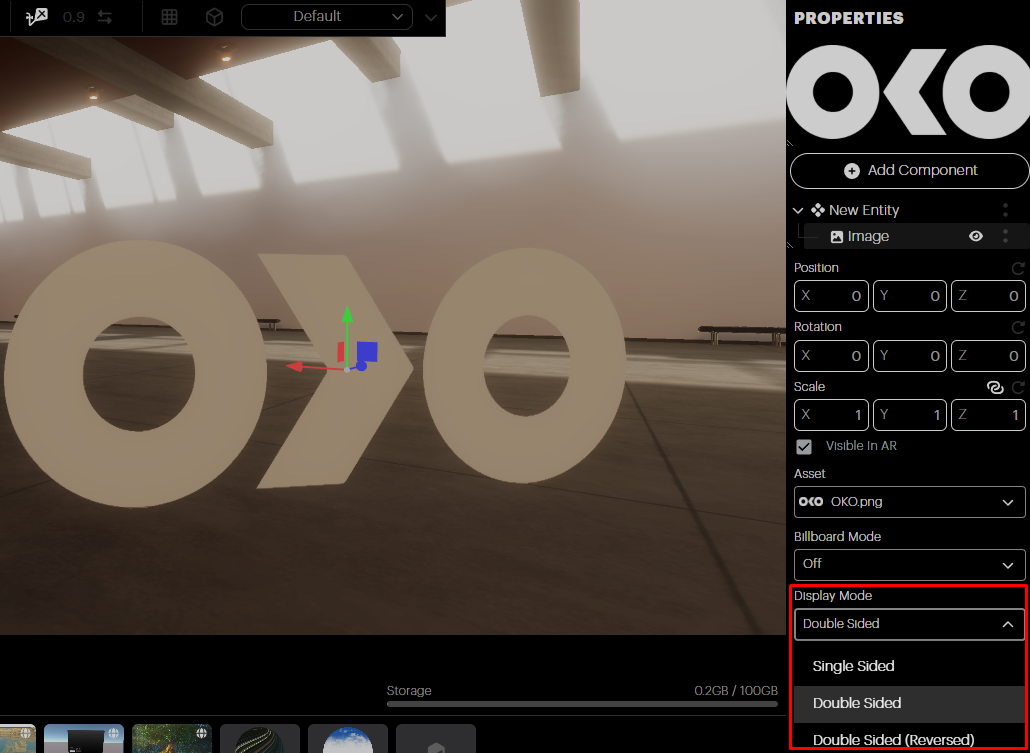
Display Mode: Choose how you want the image displayed:
-
Single-sided: Displays the image from only one side (front).
-
Double-sided: Displays the image on both sides (front and back).
-
Double-sided (reverse): Displays the image on both sides, but the back side is reversed, a great option for images with text.
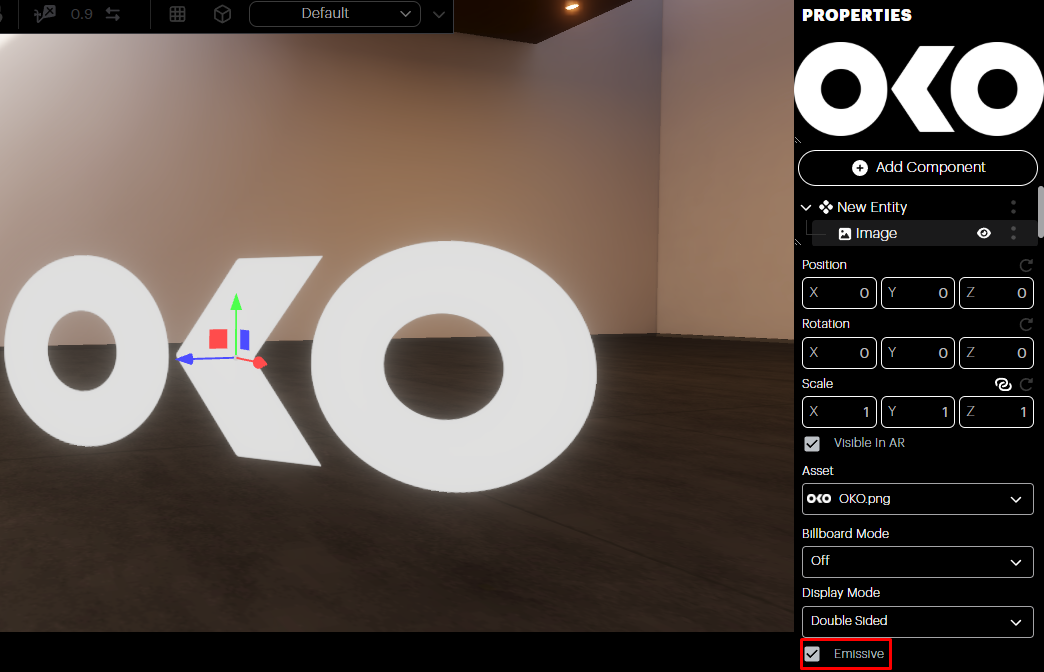
Emissive: Controls whether the image is interpreted as a lit surface or an emissive surface. HDR image formats are supported, which can be used to create a glow/bloom effect.