
OKO Web 4.6.1 | OKO Unreal 4.8.2 | CSP 6.36.0
Splines are mathematical curves that are used to create smooth, continuous shapes or paths. In OKO, Spline Components can be used to create curved paths for objects to follow, such as the trajectory of a moving object or the path of a camera through a space. They are particularly useful for creating smooth and natural-looking movements.
This page details properties specific to the component. For general component properties, find more information here.
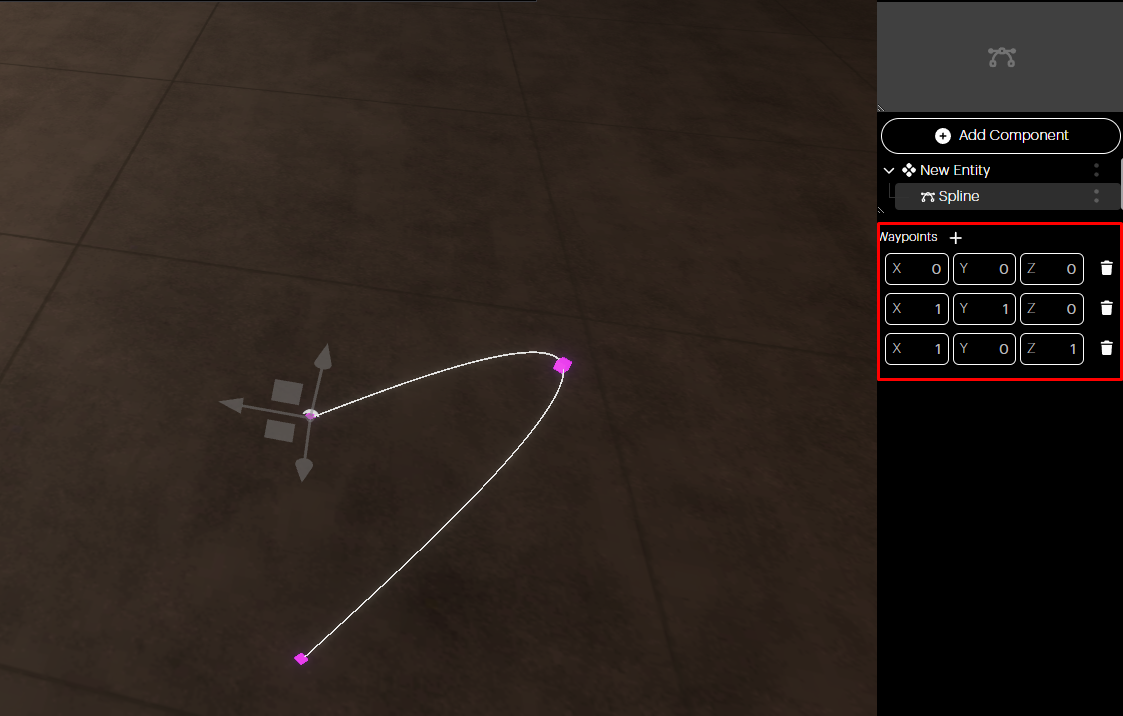
A Spline Component will, by default, have three waypoints already defined, with points at the start, middle and end of the curve.
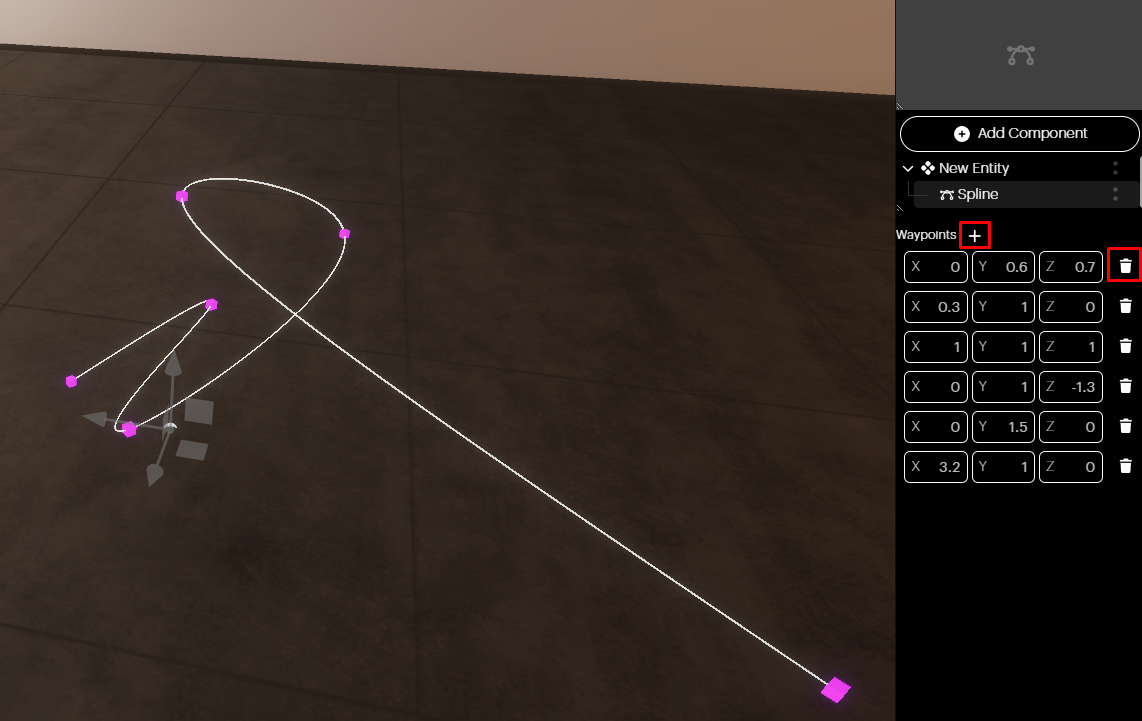
You can manually add waypoints by selecting the + button or remove them by selecting the trashcan icon next to a waypoint.
You can also adjust the waypoints by modifying their X, Y, and Z translations or using the transform gizmo. The X, Y, and Z values for the waypoints represent a 1-unit translation in each axis, relative to the location of the entity to which the Spline Component belongs. Using the Script Component, you can add assets to the spline and animate them along the spline path.