
OKO Web 4.6.1 | OKO Unreal 4.8.2 | CSP 6.36.0
The Audio Component represents an audio emitter in space, and can be driven by an asset in the space Asset Library.
This page details properties specific to the component. For general component properties, find more information here.
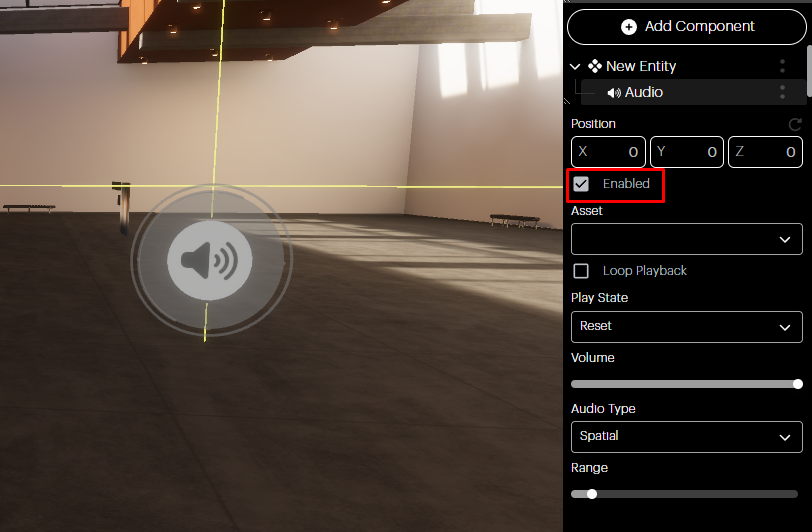
Enabled checkbox
You can mute/unmute the Audio Component without deleting it by ticking the Enabled checkbox.
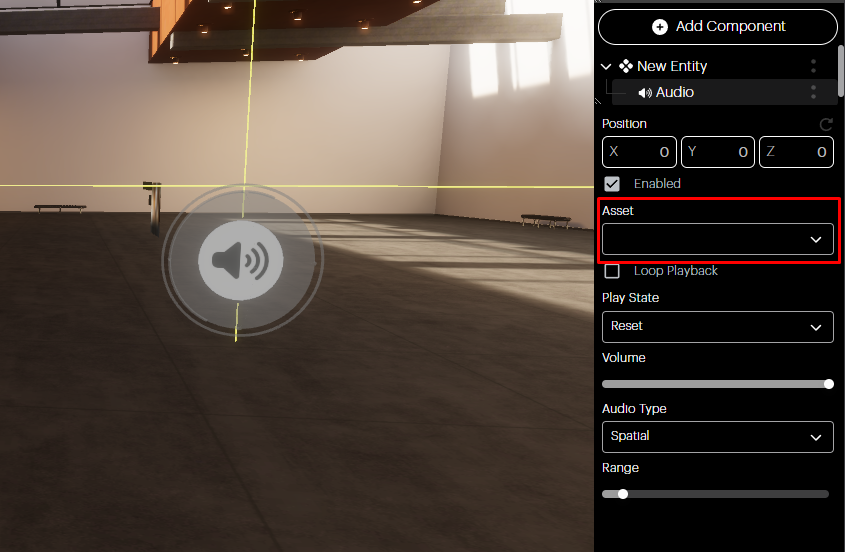
Asset
In the assets dropdown, you can select the audio file you want associated with this Component from your Asset Library. If you have not yet uploaded your audio asset, you will need to do that first via the Assets Panel. Please note that only .mp3 files are supported.
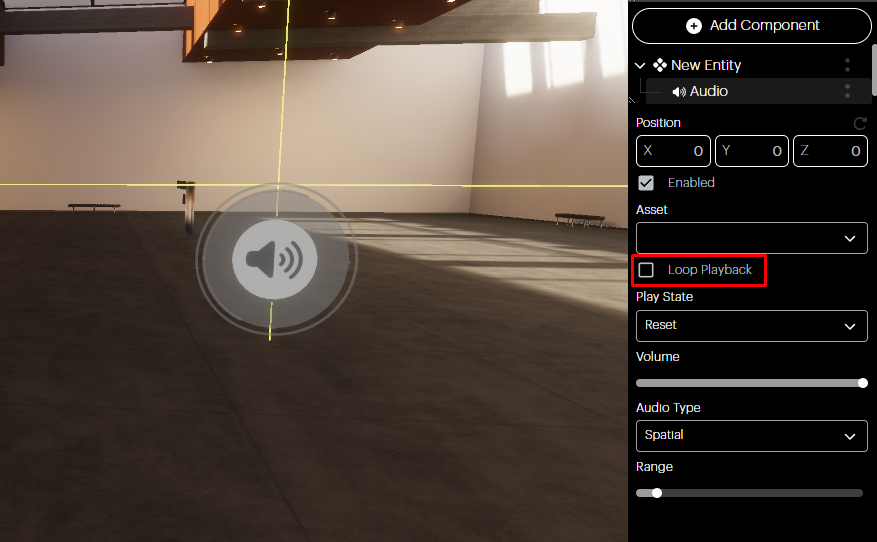
Loop Playback
You can set your audio to loop by ticking the checkbox. Otherwise, your audio will only play once.
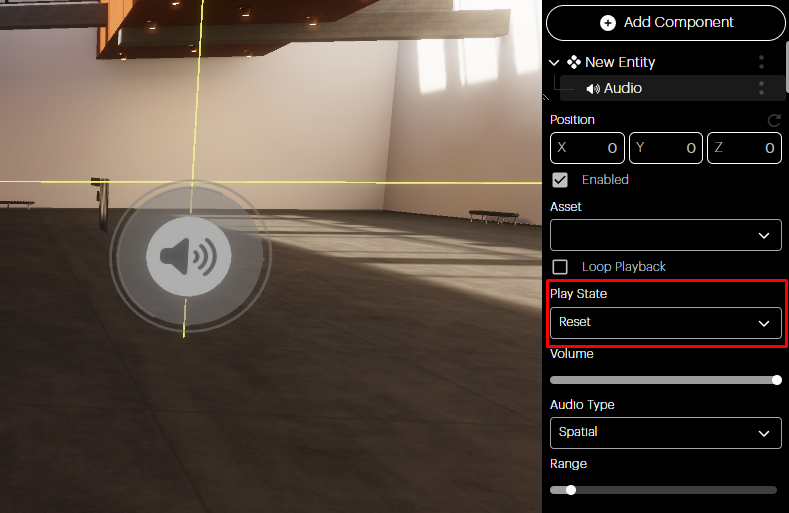
Play State
This allows you to select the initial state of the audio when a user enters a space.
-
Reset: The audio file is paused at the beginning of the timeline.
-
Paused: The audio file is paused in the timeline at the point the user switched to the paused state.
-
Playing: The audio file is currently playing (if this is from a paused state, audio will resume from where it was paused; if this is from a reset state, audio will start from the beginning).
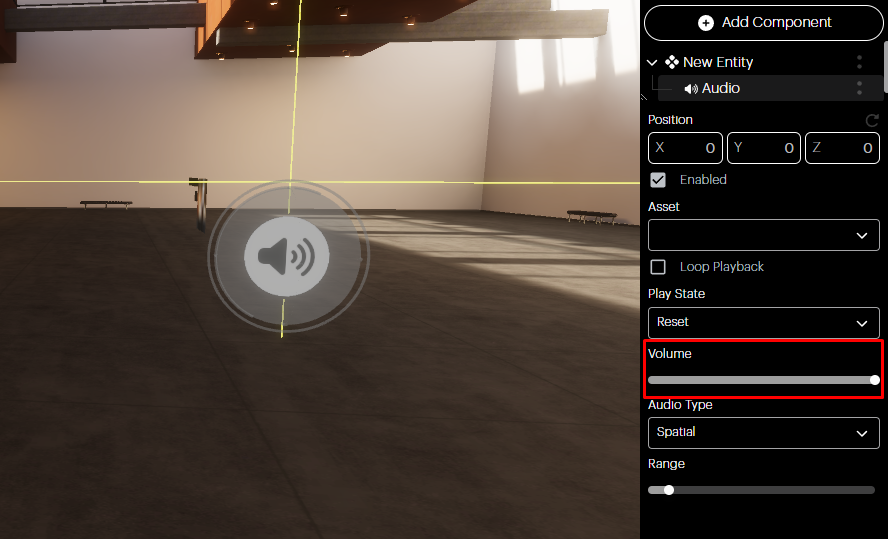
Volume
Adjust the audio volume by using the volume slider.
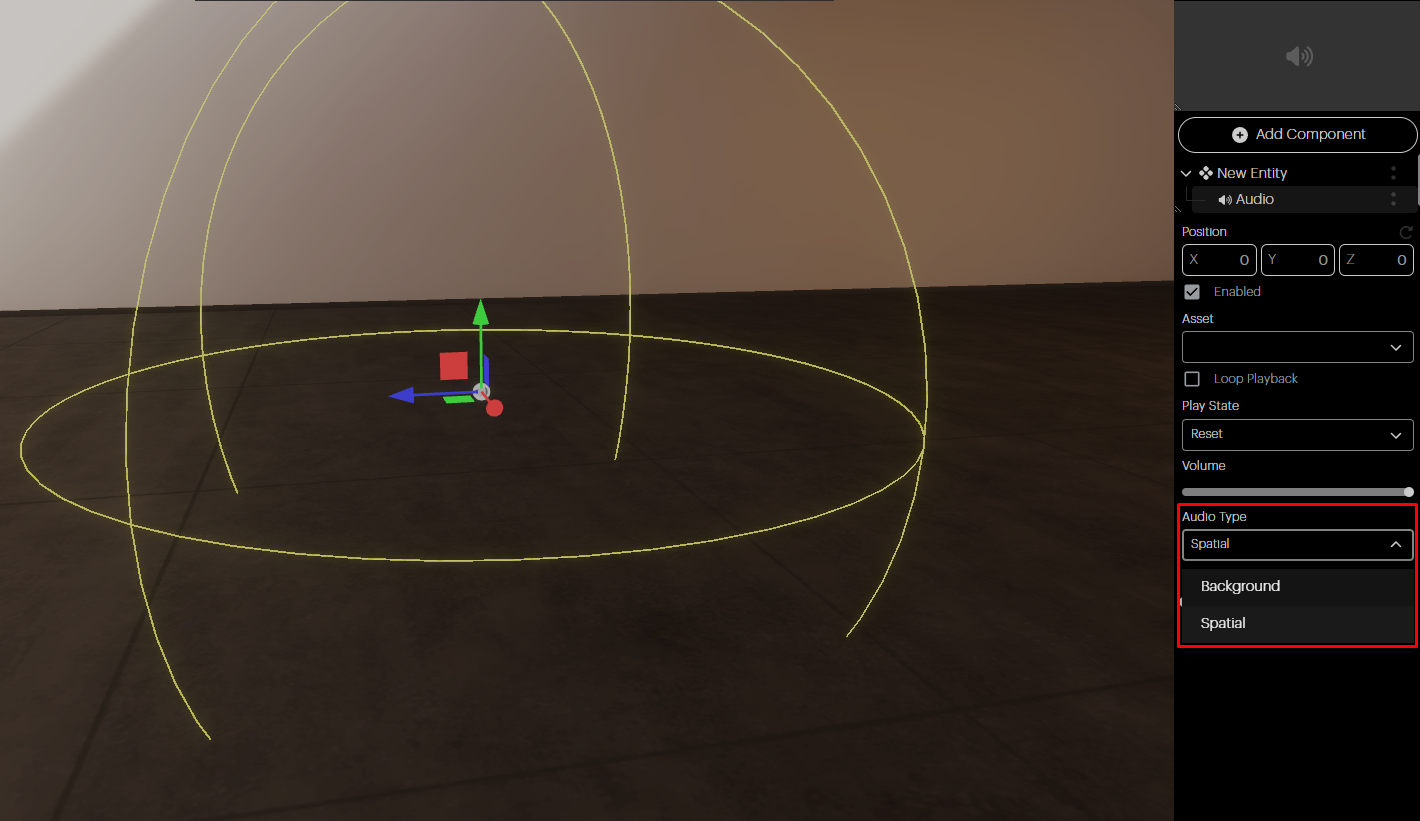
Audio Type
You can decide if the audio for the entity is going to be spatial or background.
-
Spatial audio will only be audible within its defined bounds and will get louder as you approach.
-
Background audio will play at a constant volume regardless of your location in the space relative to the audio component.
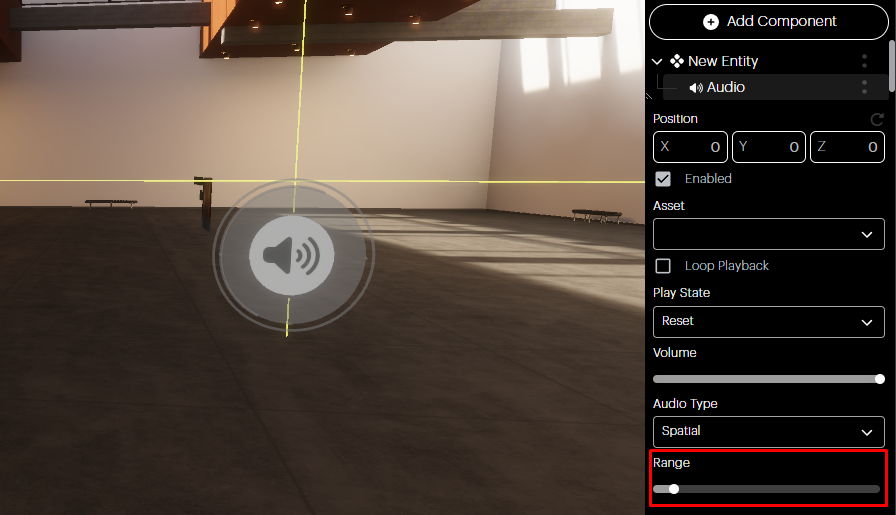
Range
If your audio is set to spatial, then this allows you to set the physical radius within which the audio will play.