
OKO Web 4.6.1 | OKO Unreal 4.8.2 | CSP 6.36.0
The Animated Model Component simply represents a single Animated Model Asset in the space.
This page details properties specific to the component. For general component properties, find more information here.
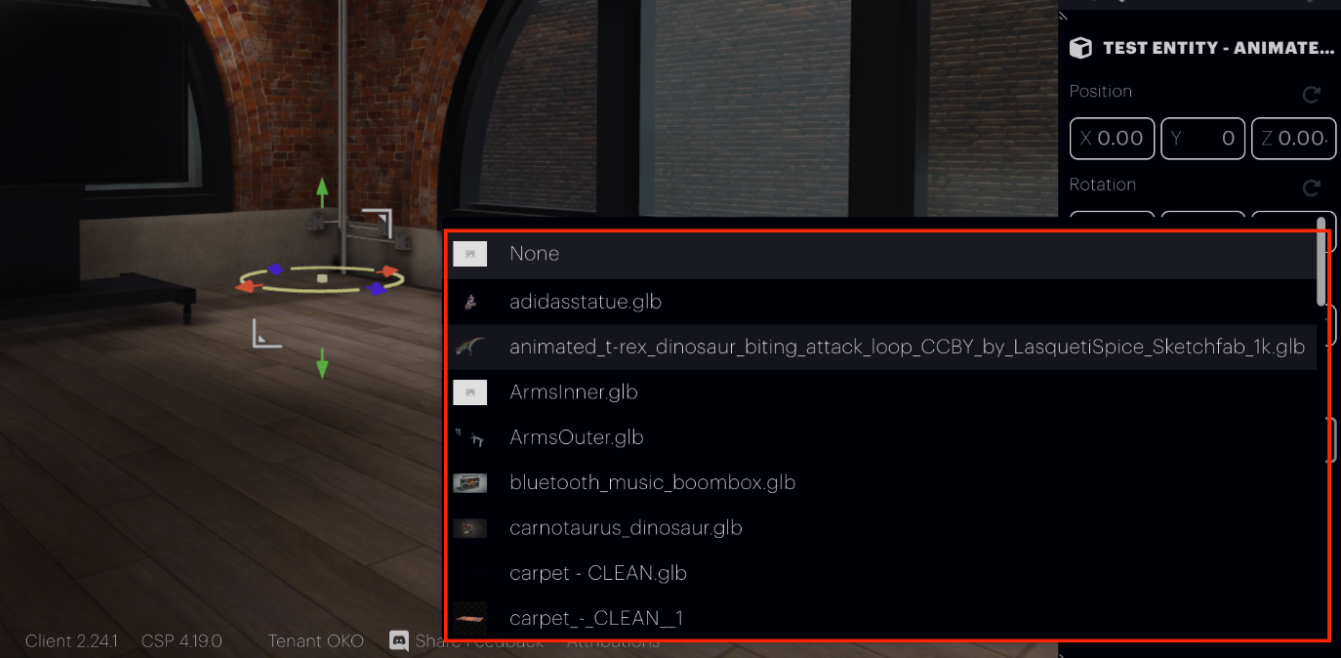
The Asset property allows you to associate a compatible asset in the space’s Asset Library.
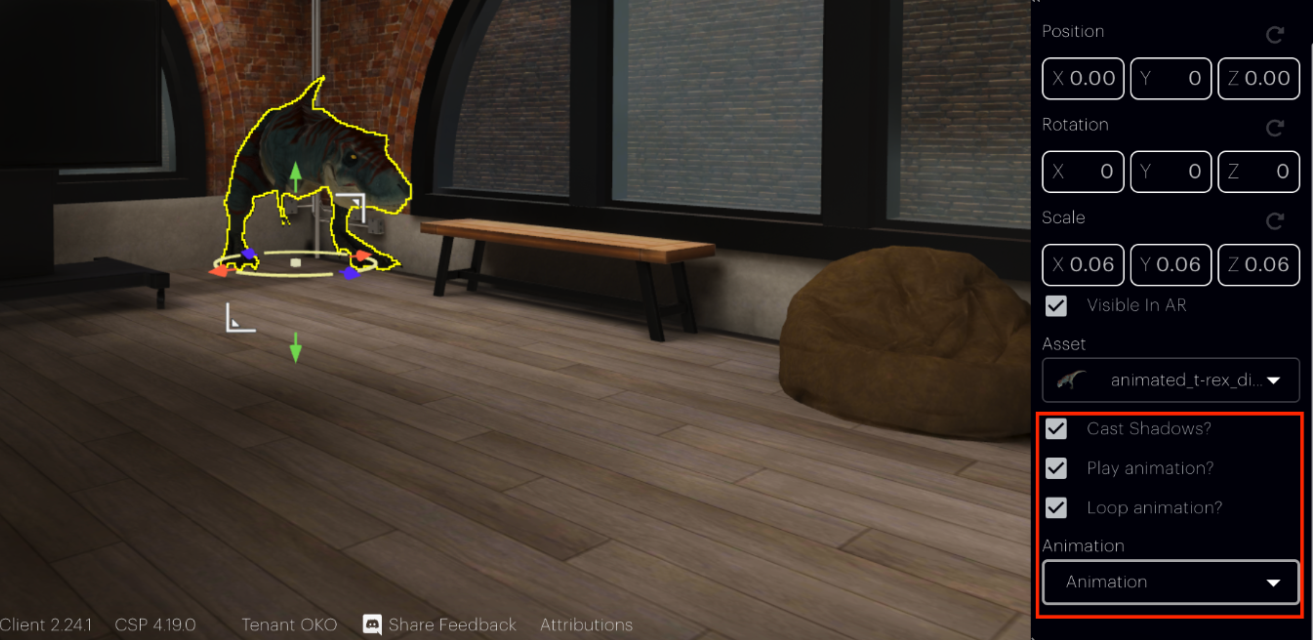
The Animation Dropdown lets you choose from multiple animations that have been exported with the mesh. For example, if a character has walk, run, and jump animations in the same model, you can switch between them using this dropdown.
-
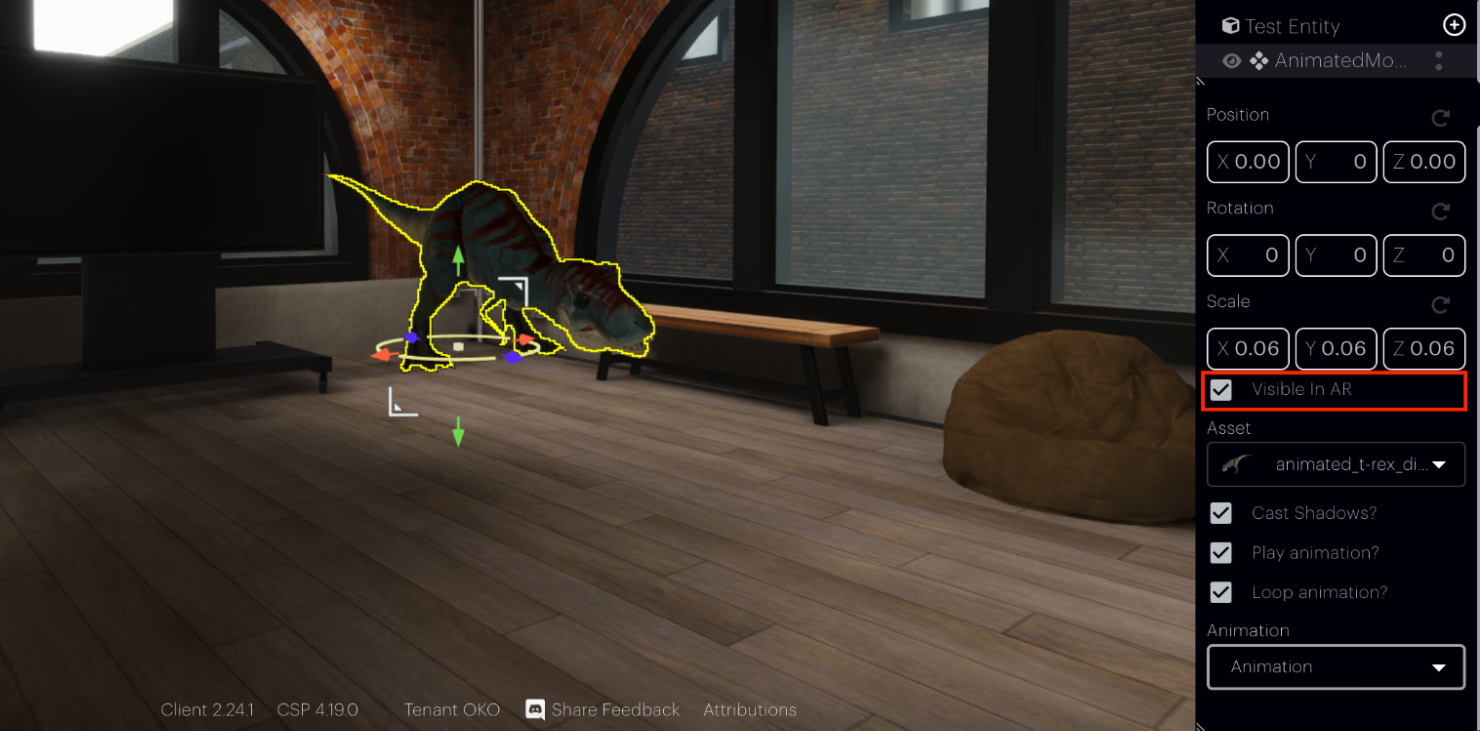
Visible in AR: Determine whether the Component will be visible in augmented reality (AR) mode by ticking the 'Visible in AR' checkbox.
-
Cast Shadows: Toggle the shadow for the asset on or off.
-
Play Animation: Play the animation associated with the asset.
-
Loop Animation: Loop the animation associated with the asset.